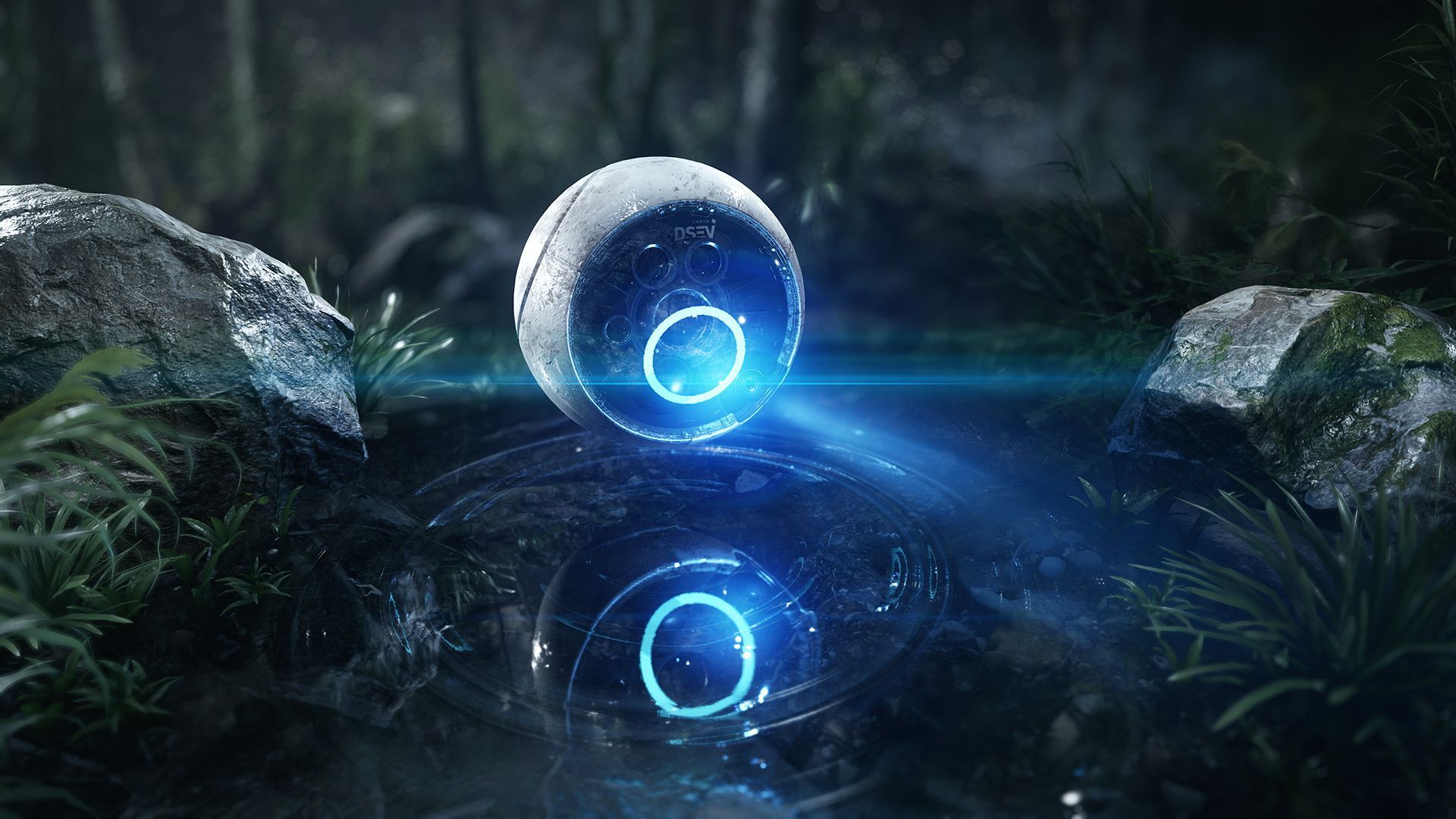
Post Topic: Miscreated - Survival RPG - DayZ influenced
Posted 17.10.2012, 06:00
The game formerly known as Canyonlands.
Miscreated is a brutal, post-apocalyptic, survival-based MMORPG unlike anything you've played before.
Overview
The year is 2089. The Earth is in ruins from two major nuclear wars. Civilization has collapsed and the majority of mankind has been wiped out. Each day is a struggle to find food and water to live, weapons for defense, and gear to withstand the harsh unforgiving wasteland that was once earth. The city centers and areas once called home and work are now populated by grotesque mutated humans, minds rotten from radiation and sickness. Bandits fight for control of what’s left, executing everyone they come across or using them for slave labor and food. This is the world as it exists today, there is no law. Kill or be killed. Survive or Die.
Introductory Story
Nobody knows what started the Final War — it was over too fast, fought with the last of the belligerent nations’ nuclear stockpiles, and the ones who pulled the triggers didn’t survive. It was the Final War because after that there was really nobody left who wanted to fight; we were all too busy surviving. Half a century of wars using nukes, bioweapons, nanoweapons, and even kinetic-kill weapons, gave us the Empty World: population 100 million and falling fast.
Who’s to blame? Depends on who you are, but you could just as easily blame the weapons industry; by the end, virtually every arms dealer in the world was owned by Amalgamated Corporation; while everyone was fighting they’d been buying up what Karl Marx used to call “the means of production,” and in the end missiles on both sides proudly wore the AC label.
Hell, in the end AC made just about everything, AC Sportsdrinks, AC Icecream, AC Battlegear, even AC Happytabs. I miss those. AC even gave us our wonderful mutant problem; the “vaccine” they developed when radiation sickness became as common as seasonal pneumonia from all those dirty battlefields — all the weapons-grade isotopes getting into the water table, or the fish, or the air — reacted with some of the leftover bioweapons and made lots of people go as squirrely as tab-pumped cannibals. You can ignore a neighbor developing neo-elephantitis or novuleprosy, but when he tries to eat you, you’ve got to take an interest.
So that’s it, we’re done, civilization is taking a breather. In 2089, anyone left alive and unmutated is just focused on staying that way. There are stories of enclaves here and there, where they’re lucky enough to have plenty of food stockpiled and mutants are thin on the ground or there’s lots of ammunition to throw at them. My advice is find one. Or make one. The Earth abides, all this too shall pass away, and if Darwin blesses you then you or your kids will inherit what’s left. For now, it’s one day at a time
To see the latest updates on the game, please visit our official website as it will always have the most up-to-date information on it.
Below are a few video blogs of some of the core features that will be included in the game. To see all of the videos and released images from the game, please look at the official website.
Development Videos
CryEngine 3 Flashbang and Smoke Grenades
CryEngine 3 Tent that flaps in the wind
CryEngine 3 Flashlight (holdable weapon - SCAR is a placeholder)
CryEngine 3 Persistent Vehicle Management System
CryEngine 3 New Player Stats - Food, Water, Temperature and Radiation Levels
I don't know if this is what you're going for, but man that second screenshot I REALLY want to see with a very warm orangy desert-esque sunset. I want the saturation to be strong and leaning towards warmer colors. It would look so amazing.
Thank you for the feedback! I've tried playing with the TOD settings several times, but I still have a hard time grasping what all of the value do and are for. I usually (always) just make things like worse than the defaults. I will work on it again soon though!
I just added another video to my YouTube channel that gives an overview of the inventory system. As I note in the video, it's based on an Arma style interface, but that will all be changed in the future.
I know the first two images are work in progress shots, but they don't do your canyon walls any justice. It was only during the second video when you looked out into the canyon briefly that I realised just how beautiful the canyon walls look against the sky and ground mist in the distance.
Really impressive so far, I look forward to more updates
Thank you so much for the compliments and support - it's really appreciated! I've been working on a couple more systems I need for my game, so I'll post some updates about those soon.
May we see the actionscript code handling InventoryHandlers -> UI:Events:Inventory ? The onShow and OnHide. Just curious on how you are handling showing it and hiding using the same button. Using Key.isDown(71) for "G"? Why arent you using input node instead?
Great question! I originally tried to do it using just ActionScript and the input node, but I couldn't get it to work correctly (probably due to my inexperience with CryEngine/Flash), so I looked into the way all the other actions in CryEngine are implemented and did it the same way as those.
At one time I did have the Flowgraph looking for my custom event and it worked to have the inventory window appear, but pressing the "g" key again wasn't closing the inventory - While I think it would have been possible to do it by having Flash look for a keypress and then calling back into CryEngine to close the screen, I really didn't like the idea of showing the inventory via one method and closing it using a different one. It would have also made it a lot harder to implement the ability to have the end-user remap their keys.
By implementing the entire thing in C++ it made it all consistent and made sense to me for maintaining it down the road.
In case anyone is curious, here are the high level steps of what I did in C++:
1. Add a new action in defaultProfile.xml (bound to "g" key by default) 2. Add a new macro for it in GameActions.actions 3. In UIInput.cpp add a handler for the event 4. Create a class to handle Flash events - based on this documentation: http://freesdk.crydev.net/display/SDKDOC4/Flash+UI+System 5. In that class it registers the OnShowInventory and OnHideInventory 6. The handler from 3 above, calls into the new event class and then sends either the show or hide event based on whether or not the inventory is already being shown. Those are the two Flograph nodes you see in the video.
This might work for all those non-C++ users out there. There is one issue which i can't seem to fix though. Hitting TAB again, but in theory this with some help should work